

Output Image Formats
By default /v2/job returns generated images as JPEG, but the Accept request header lets you ask for PNG, WebP, or a tuned JPEG instead — and pass extra MIME parameters to control quality and compression. The pixels stay identical (same model, same seed) so you can pick a format and quality level that fits how you store, ship, or display the result.
This guide walks through the three formats end-to-end with the same prompt and seed, so you can compare file size against visual quality.
Project Setup
Section titled “Project Setup”# Create a project directory.mkdir prodia-output-formatscd prodia-output-formatsInstall Node (if not already installed):
brew install node# Close the current terminal and open a new one so that node is available.apt install node# Close the current terminal and open a new one so that node is available.winget install -e --id OpenJS.NodeJS.LTS# Close the current terminal and open a new one so that node is available.Create project skeleton:
# Requires node --version >= 18# Initialize the project with npm.npm init -y
# Install the prodia-js library.npm install prodia --save
Install Python (if not already installed):
brew install python# Close the current terminal and open a new one so that python is available.apt install python3 python3-venv python-is-python3# Close the current terminal and open a new one so that python is available.winget install -e --id Python.Python.3.12# Close the current terminal and open a new one so that python is available.# Requires python --version >= 3.12python -m venv venvsource venv/bin/activatepip install requestsInstall curl (if not already installed):
brew install curl# Close the current terminal and open a new one so that curl is available.apt install curl# Close the current terminal and open a new one so that curl is available.# NOTE: Windows 10 and up have curl installed by default and this can be# skipped.winget install -e --id cURL.cURL# Close the current terminal and open a new one so that curl is available.# Export your token so it can be used by the main code.export PRODIA_TOKEN=your-token-hereYour token is exported to an environment variable. If you close or switch your
shell you’ll need to run export PRODIA_TOKEN=your-token-here again.
Create a main file for your project:
const { createProdia } = require("prodia/v2");
const prodia = createProdia({    token: process.env.PRODIA_TOKEN // get it from environment});
Create the following main.py
from requests.adapters import HTTPAdapter, Retryimport osimport requestsimport sys

prodia_token = os.getenv('PRODIA_TOKEN')prodia_url = 'https://inference.prodia.com/v2/job'
session = requests.Session()retries = Retry(allowed_methods=None, status_forcelist=Retry.RETRY_AFTER_STATUS_CODES)session.mount('http://', HTTPAdapter(max_retries=retries))session.mount('https://', HTTPAdapter(max_retries=retries))session.headers.update({'Authorization': f"Bearer {prodia_token}"})set -euo pipefailYou’re now ready to make some API calls!
JPEG (default)
Section titled “JPEG (default)”JPEG is the default. It’s lossy and uses chroma subsampling — best for photographic generations where small file size matters more than pixel-exact fidelity.
const { createProdia } = require("prodia/v2");const fs = require("node:fs/promises");
const prodia = createProdia({  token: process.env.PRODIA_TOKEN,});
(async () => {  const job = await prodia.job({    type: "inference.flux-fast.schnell.txt2img.v2",    config: {      prompt: "a single fresh strawberry on a polished white marble countertop, soft daylight from the side, photorealistic, shallow depth of field",      seed: 42,      width: 1024,      height: 1024,    },  }, { accept: "image/jpeg" });
const image = await job.arrayBuffer(); await fs.writeFile("strawberry.jpg", new Uint8Array(image));})();node main.jsfrom requests.adapters import HTTPAdapter, Retryimport osimport requestsimport sys
prodia_token = os.getenv('PRODIA_TOKEN')prodia_url = 'https://inference.prodia.com/v2/job'
session = requests.Session()retries = Retry(allowed_methods=None, status_forcelist=Retry.RETRY_AFTER_STATUS_CODES)session.mount('http://', HTTPAdapter(max_retries=retries))session.mount('https://', HTTPAdapter(max_retries=retries))session.headers.update({'Authorization': f"Bearer {prodia_token}"})
headers = { 'Accept': 'image/jpeg',}
job = { 'type': 'inference.flux-fast.schnell.txt2img.v2', 'config': { 'prompt': 'a single fresh strawberry on a polished white marble countertop, soft daylight from the side, photorealistic, shallow depth of field', 'seed': 42, 'width': 1024, 'height': 1024, },}
res = session.post(prodia_url, headers=headers, json=job)print(f"Status: {res.status_code}")
if res.status_code != 200: print(res.text) sys.exit(1)
with open('strawberry.jpg', 'wb') as f: f.write(res.content)python main.pyset -euo pipefail
job=$(cat <<EOF{ "type": "inference.flux-fast.schnell.txt2img.v2", "config": { "prompt": "a single fresh strawberry on a polished white marble countertop, soft daylight from the side, photorealistic, shallow depth of field", "seed": 42, "width": 1024, "height": 1024 }}EOF)
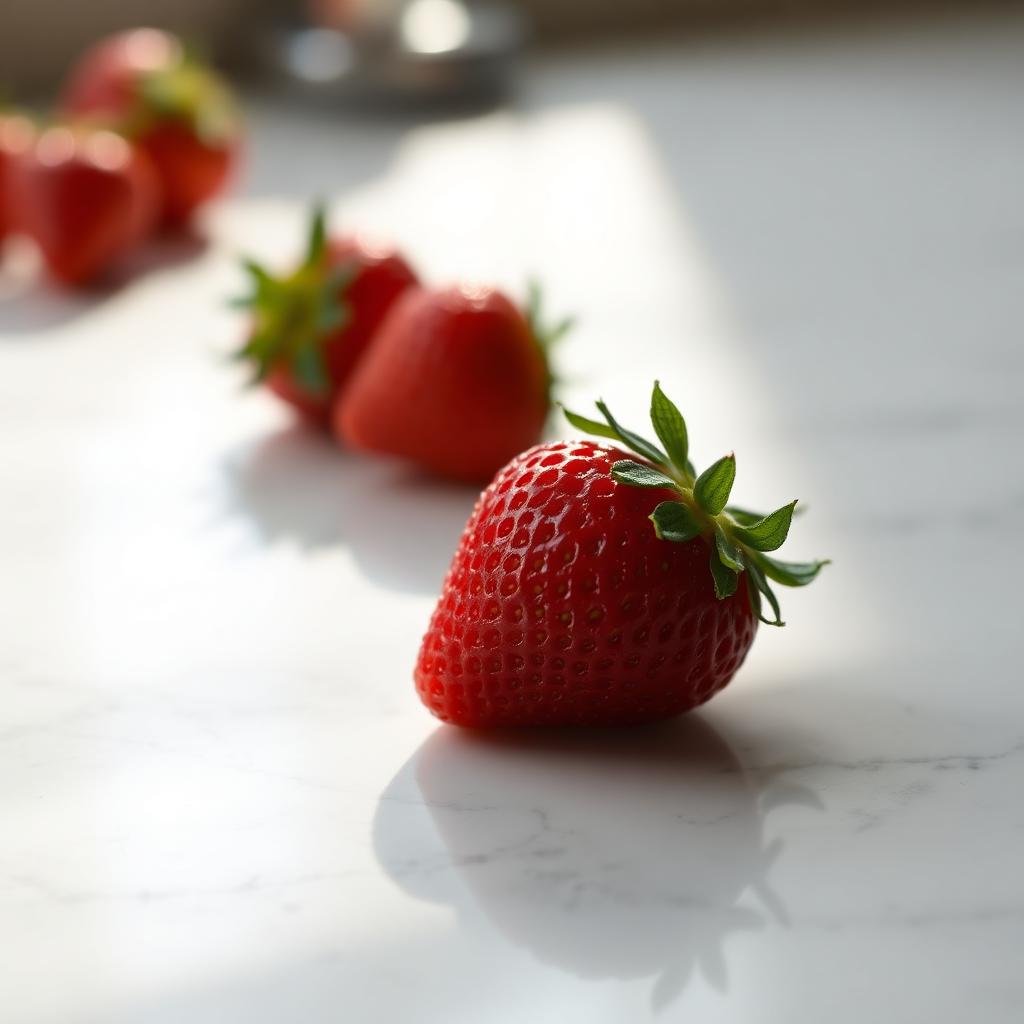
curl -sSf --retry 3 \ -H "Authorization: Bearer $PRODIA_TOKEN" \ -H 'Accept: image/jpeg' \ --json "$job" \ --output strawberry.jpg \ https://inference.prodia.com/v2/jobbash main.shThe default JPEG comes back at quality 75 with 4:2:0 chroma subsampling — about 53 KB for our 1024x1024 strawberry:
Tuning JPEG quality
Section titled “Tuning JPEG quality”Append MIME parameters to the Accept value to override the defaults. The ones the API accepts are:
| Parameter | Type | Range | Default | Description |
|---|---|---|---|---|
quality |
int | 0–95 | 75 | Compression quality (higher = better quality, larger file) |
optimize |
bool | 0/1 | false | Optimize Huffman tables for smaller file size |
progressive |
bool | 0/1 | false | Create progressive JPEG (loads in multiple passes) |
subsampling |
string | 444/422/420 | 420 | Chroma subsampling (444 = best quality, 420 = smallest) |
For a higher-fidelity JPEG, ask for quality=95 and subsampling=444 (no chroma loss):
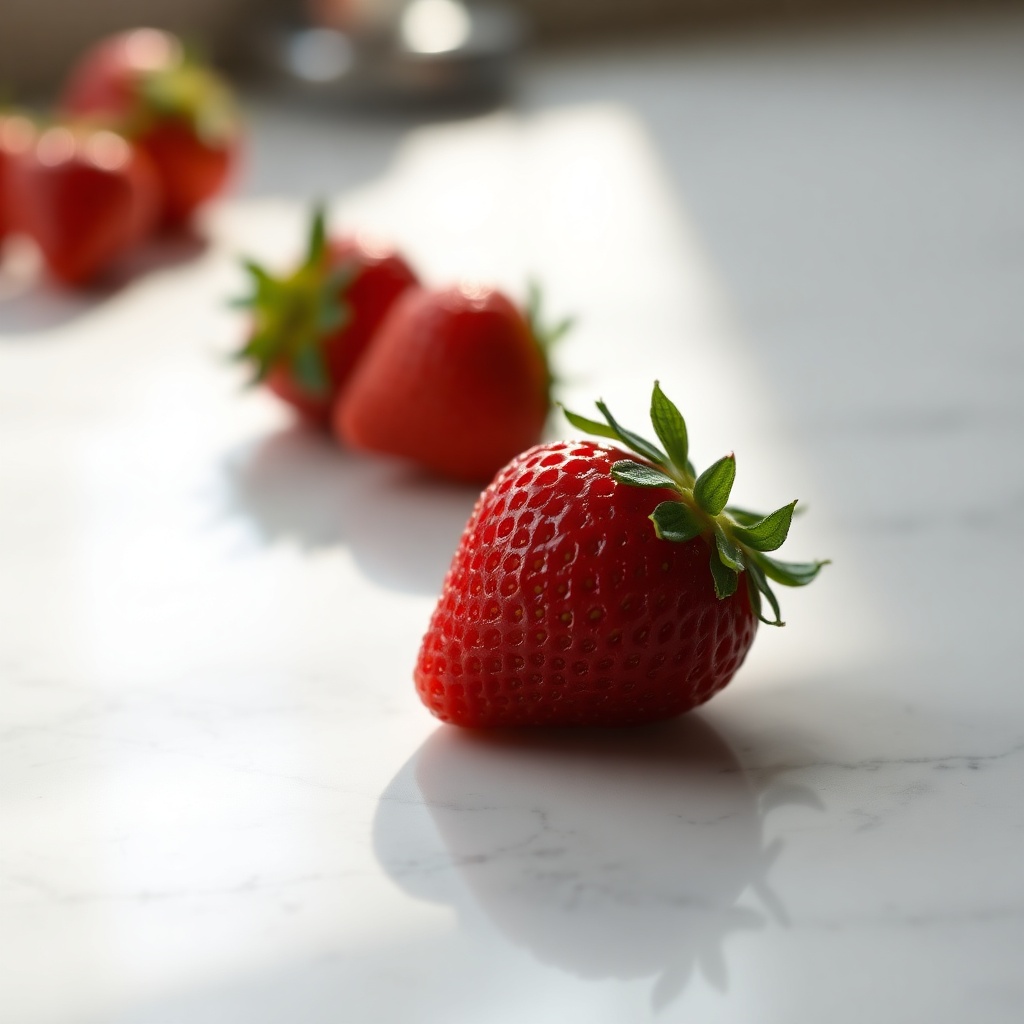
const job = await prodia.job({ type: "inference.flux-fast.schnell.txt2img.v2", config: { prompt: "a single fresh strawberry on a polished white marble countertop, soft daylight from the side, photorealistic, shallow depth of field", seed: 42, width: 1024, height: 1024, },}, { accept: "image/jpeg;quality=95;subsampling=444" });headers = { 'Accept': 'image/jpeg;quality=95;subsampling=444',}curl -sSf --retry 3 \ -H "Authorization: Bearer $PRODIA_TOKEN" \ -H 'Accept: image/jpeg;quality=95;subsampling=444' \ --json "$job" \ --output strawberry-q95.jpg \ https://inference.prodia.com/v2/jobThe same image now weighs about 142 KB (≈2.6x larger) with cleaner reds in the strawberry surface and crisper marble veining:
For thumbnail-size assets where bandwidth matters more than fidelity, drop quality to 50:
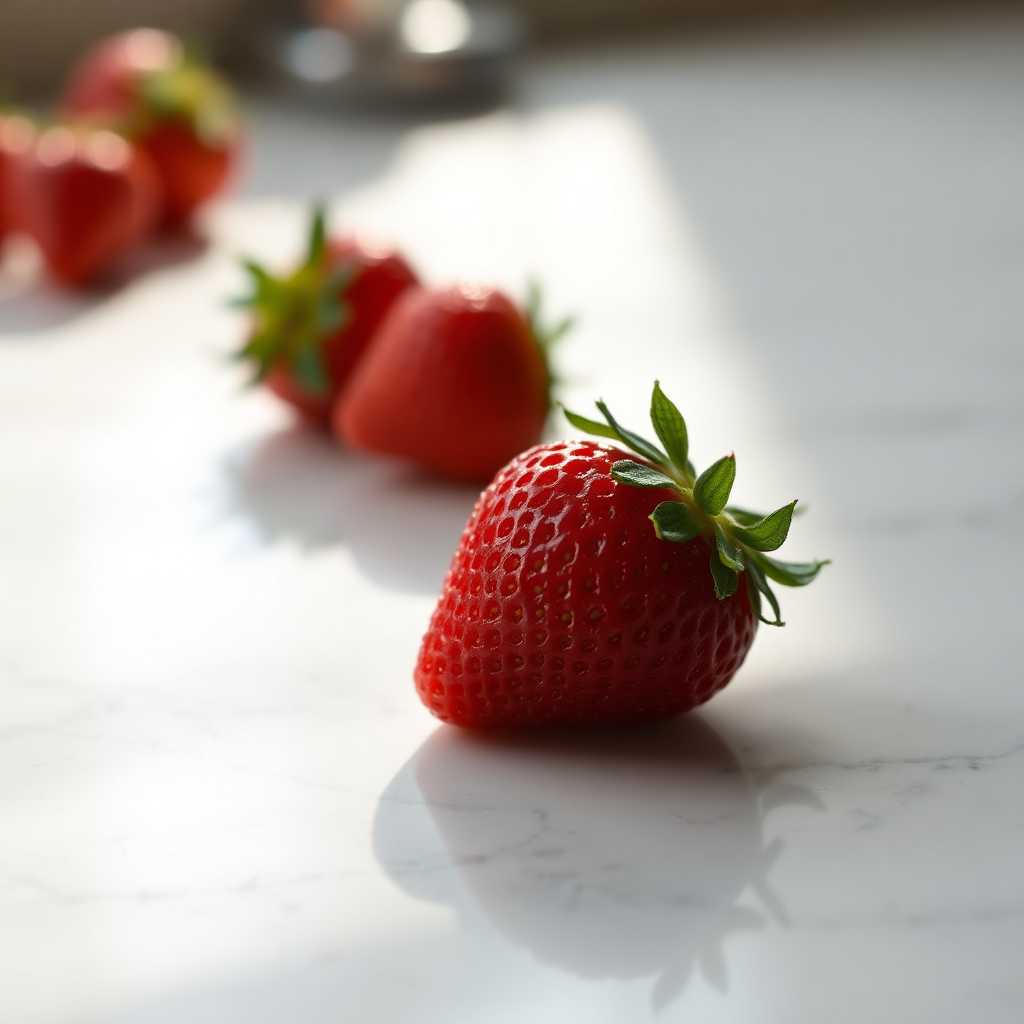
{ accept: "image/jpeg;quality=50" }'Accept': 'image/jpeg;quality=50'-H 'Accept: image/jpeg;quality=50'That brings the same 1024x1024 image down to ~39 KB — visibly softer in the marble veining, but still acceptable for previews:
PNG (lossless)
Section titled “PNG (lossless)”Ask for image/png when you need an exact copy of the model output — useful for downstream pipelines that compare hashes, run pixel-perfect post-processing, or feed the output into another inference step where re-encoding artifacts would compound. PNG is also the right choice for outputs with transparency (e.g. backgrounds removed via inference.remove-background.v1).
const job = await prodia.job({  type: "inference.flux-fast.schnell.txt2img.v2",  config: {    prompt: "a single fresh strawberry on a polished white marble countertop, soft daylight from the side, photorealistic, shallow depth of field",    seed: 42,    width: 1024,    height: 1024,  },}, { accept: "image/png" });
const image = await job.arrayBuffer();await fs.writeFile("strawberry.png", new Uint8Array(image));headers = { 'Accept': 'image/png',}
...
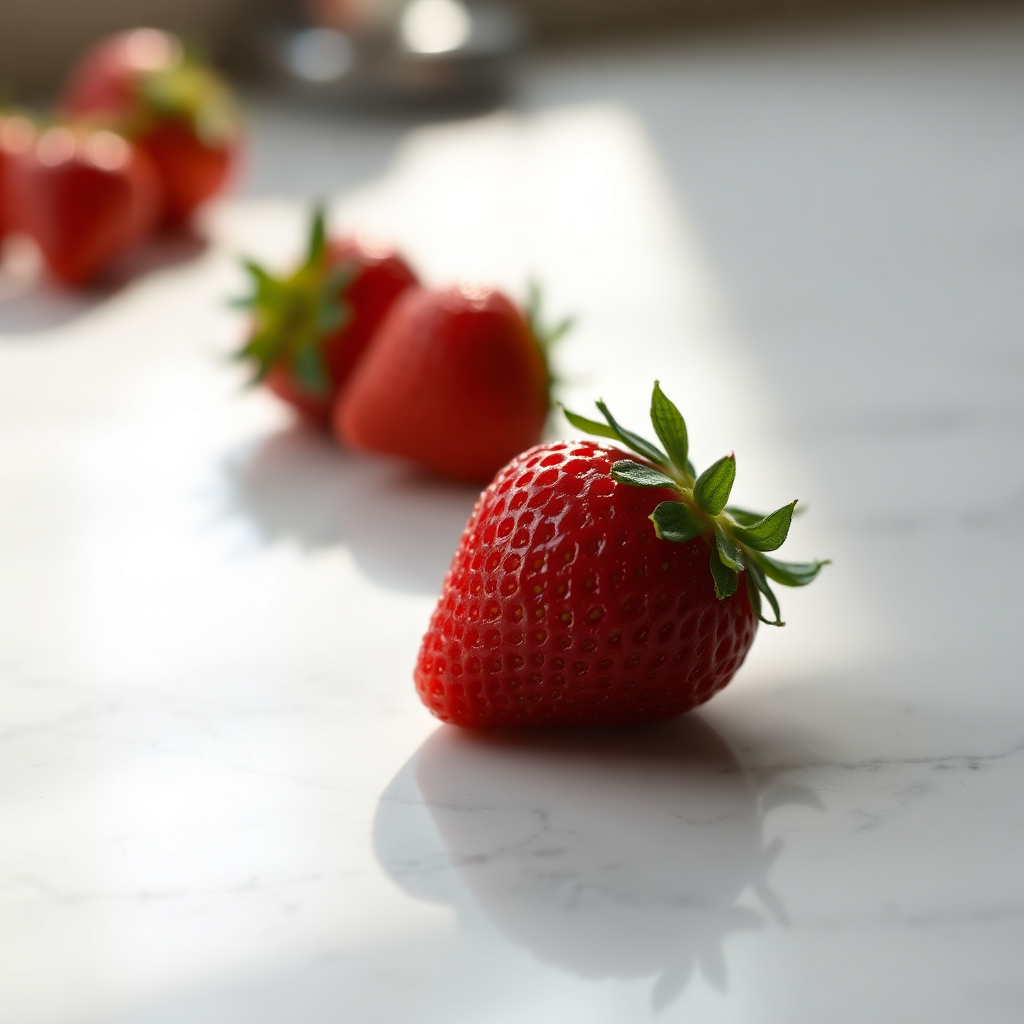
with open('strawberry.png', 'wb') as f: f.write(res.content)curl -sSf --retry 3 \ -H "Authorization: Bearer $PRODIA_TOKEN" \ -H 'Accept: image/png' \ --json "$job" \ --output strawberry.png \ https://inference.prodia.com/v2/jobPNG is lossless, so it’s larger — around 861 KB for the same 1024x1024 strawberry:
PNG accepts two encoding parameters:
| Parameter | Type | Range | Default | Description |
|---|---|---|---|---|
compress-level |
int | 0–9 | 6 | Compression level (0 = none, 9 = maximum) |
optimize |
bool | 0/1 | false | Optimize encoding for smaller file size |
Both only affect file size — pixels are byte-identical for any setting:
-H 'Accept: image/png;compress-level=9;optimize=1'WebP (compact lossy or lossless)
Section titled “WebP (compact lossy or lossless)”WebP gives the best size-quality tradeoff of the three. Lossy WebP at the default quality of 80 is typically smaller than even a low-quality JPEG, while lossless WebP is smaller than PNG — useful when you need pixel-exact output but want to save on storage.
const job = await prodia.job({  type: "inference.flux-fast.schnell.txt2img.v2",  config: {    prompt: "a single fresh strawberry on a polished white marble countertop, soft daylight from the side, photorealistic, shallow depth of field",    seed: 42,    width: 1024,    height: 1024,  },}, { accept: "image/webp" });
const image = await job.arrayBuffer();await fs.writeFile("strawberry.webp", new Uint8Array(image));headers = { 'Accept': 'image/webp',}
...
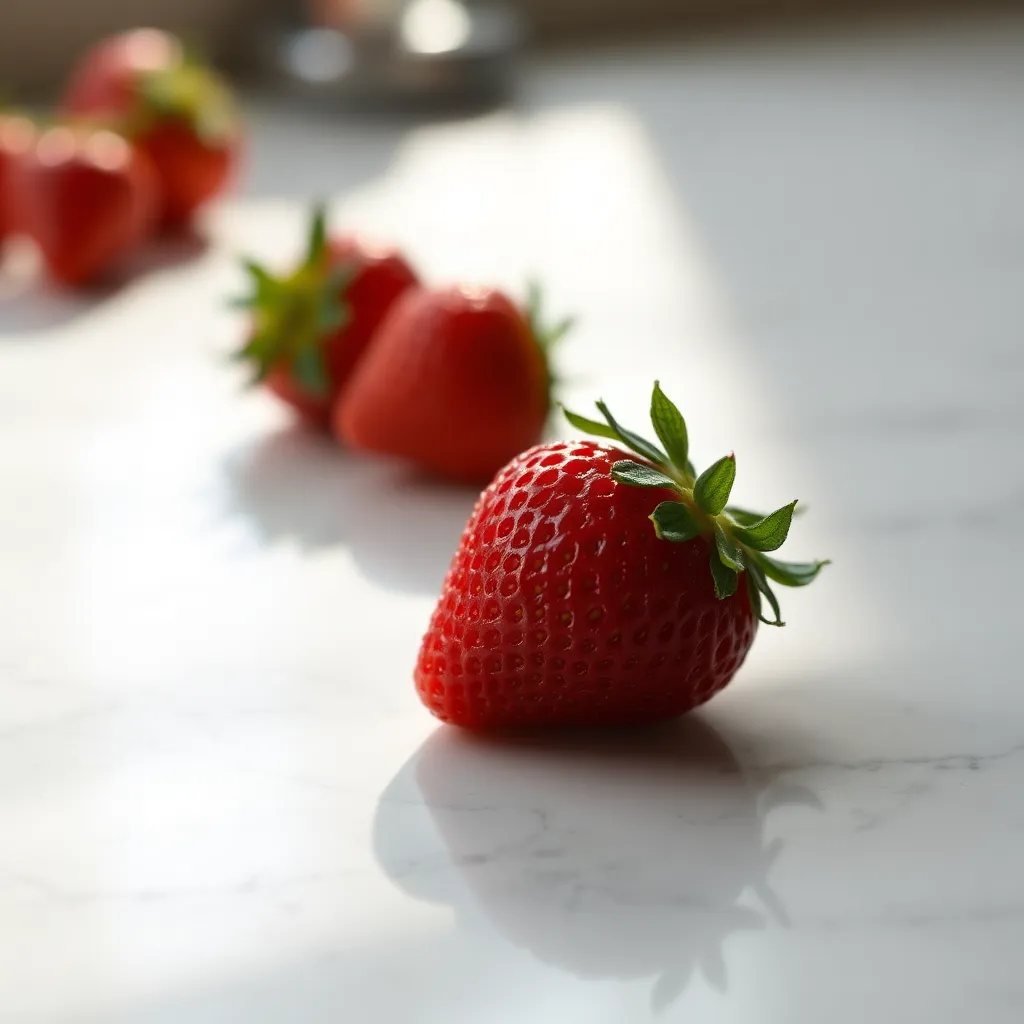
with open('strawberry.webp', 'wb') as f: f.write(res.content)curl -sSf --retry 3 \ -H "Authorization: Bearer $PRODIA_TOKEN" \ -H 'Accept: image/webp' \ --json "$job" \ --output strawberry.webp \ https://inference.prodia.com/v2/jobThe default lossy WebP for our 1024x1024 strawberry is around 29 KB — about half the default JPEG, with no obvious quality loss:
WebP accepts the most parameters of any format:
| Parameter | Type | Range | Default | Description |
|---|---|---|---|---|
quality |
int | 0–100 | 80 | Compression quality (higher = better quality, larger file) |
lossless |
bool | 0/1 | false | Use lossless compression (ignores quality setting) |
alpha-quality |
int | 0–100 | 100 | Quality of alpha channel compression |
method |
int | 0–6 | 4 | Compression method (0 = fastest, 6 = best compression) |
For a lossless WebP — same exact pixels as PNG, smaller file:
-H 'Accept: image/webp;lossless=1;method=6'That brings the file down to ~610 KB versus PNG’s ~861 KB on the same image — a ~30% saving with byte-identical decoded pixels.
Choosing a format
Section titled “Choosing a format”| Goal | Format |
|---|---|
| Smallest file for typical photographic output | image/webp |
| Default — wide compatibility, small file | image/jpeg |
| Pixel-exact output for hashing or downstream inference | image/png or image/webp;lossless=1 |
| Outputs with transparency (e.g. background-removed PNGs) | image/png |
| Highest-fidelity JPEG (no chroma subsampling) | image/jpeg;quality=95;subsampling=444 |
| Smaller PNG without quality loss | image/png;compress-level=9;optimize=1 |
File-size comparison
Section titled “File-size comparison”All sizes are for the same 1024x1024 strawberry generation (seed 42) used throughout this guide:
| Accept value | Size | Notes |
|---|---|---|
image/jpeg (default) |
53 KB | quality 75, 4:2:0 subsampling |
image/jpeg;quality=50 |
39 KB | visibly softer, fine for thumbnails |
image/jpeg;quality=95;subsampling=444 |
142 KB | sharpest JPEG |
image/png |
861 KB | lossless, no transparency in this output |
image/webp (default) |
29 KB | lossy, quality 80 — smallest of all |
image/webp;lossless=1;method=6 |
610 KB | lossless, ~30% smaller than PNG |
Multi-output jobs
Section titled “Multi-output jobs”Some job types return more than one output (e.g. multipart segmentation masks, video plus poster frame). For those, request a multipart response and override the default output content type with a secondary value in the Accept header:
-H 'Accept: multipart/form-data; image/png'The first output part will be encoded as PNG; any additional parts use their native default. See the Inference API reference for the full content-negotiation rules.